Overview of Carrera RC Mario Kart
Enjoy Mario Kart with Carrera’s RC car: 360° digital proportional steering, continuous drive, 2.4 GHz multi‑car support for 16 racers. Use 6 × 1.5 V alkaline batteries. Safety: not for under 8 years. Ideal for racing fans seeking realistic speed!!
Brand and Model
Carrera, the renowned German manufacturer of high‑performance remote‑controlled vehicles, has released its latest Mario Kart themed model, the Carrera RC Mario Kart. This model carries the Carrera 370181064 designation and is built on the company’s proven RC platform, combining realistic chassis dynamics with a vibrant, game‑inspired aesthetic. The car is engineered for enthusiasts who want the thrill of Mario Kart racing in a tangible form, featuring a lightweight alloy body, adjustable suspension, and a motor that delivers smooth acceleration. The model’s branding showcases the iconic Mario Kart logo, complete with the red “M” and the classic kart silhouette, making it instantly recognizable to fans. Its compact size and high torque motor allow for quick turns and responsive handling, while the integrated 2.4 GHz receiver supports up to 16 cars on a single track, enabling multiplayer battles. The Carrera RC Mario Kart is compatible with standard 6‑cell 1.5 V alkaline batteries, ensuring a balance between power and portability. Safety features include a child‑proof design and clear usage warnings, reflecting Carrera’s commitment to responsible hobbyist products. Whether you’re a seasoned RC racer or a newcomer to the Mario Kart universe, this model offers a blend of brand heritage and playful design that stands out in the market. Enjoy the race! Now.
Key Features
The Carrera RC Mario Kart delivers a blend of speed, precision, and playful design. Its 360‑degree digital proportional steering offers continuous, smooth turning, while the motor’s torque lets the kart sprint forward and brake effectively. The 2.4 GHz receiver supports up to sixteen cars on a single track, enabling full‑scale multiplayer races. Power comes from six 1.5 V alkaline (LR14) cells, giving a solid runtime before replacement. A bright red LED on the controller indicates active status, and the gas pedal at the rear propels forward, with the front pedal handling braking or reverse. The steering wheel’s clockwise motion turns right, counter‑clockwise turns left, providing intuitive control. Safety is paramount: the model is not recommended for children under eight, and instructions advise avoiding rough handling. The chassis features adjustable suspension for varied terrain, and the lightweight alloy body keeps the vehicle nimble. With its Mario Kart branding, the car feels like a real kart from the game, yet it’s a fully functional RC vehicle for hobbyists and fans alike. Whether you’re racing solo or setting up a tournament, the Carrera RC M. Kart flair make every lap feel like a victory in the Kingdom, complete with power‑ups and jumps that keep the excitement alive.!!!Enjoy the race!!!!and win!!!and win!!!!!!!!!!Enjoy the!!
Mario Kart Theme
Immerse yourself in the iconic Mario Kart universe with the Carrera RC Mario Kart. The car’s design captures the vibrant colors and dynamic shapes of the beloved game, featuring bright red and yellow accents, a stylized kart silhouette, and the unmistakable Mario logo. Inside, the 360° digital proportional steering system translates every subtle shift of the controller into smooth, continuous motion, allowing you to perform tight turns, high-speed drifts, and precise braking, just as you would on the Mushroom Kingdom’s most challenging courses. The 2.4 GHz receiver supports up to sixteen cars simultaneously, creating an authentic multiplayer experience where you can race against friends or family while enjoying the same level of speed and control. Powered by six 1.5 V alkaline batteries, the vehicle delivers reliable performance and a decent runtime before needing a recharge. The controller’s red LED lights up when active, signaling readiness, while the gas pedal at the rear propels forward and the front pedal handles braking or reverse. The steering wheel’s clockwise motion turns right, counter‑clockwise turns left, providing intuitive control that mirrors the original game’s mechanics. Safety is paramount: the model is not recommended for children under eight, and careful handling is advised to avoid damage. Every detail ensures authentic racing joy. All!
Setup and Operation
Unbox Carrera RC Mario Kart, install six 1.5 V alkaline batteries, secure cover, power on. Controller’s red LED signals readiness. Gas pedal forward, front pedal brakes, steering wheel turns. Use 2.4 GHz for multi‑car play. Keep batteries charged
Unboxing and Assembly
Remove the Carrera RC Mario Kart from its box, noting the chassis, wheels, battery cover, Phillips screwdriver, and controller. Inspect for damage and confirm all parts are present. Locate the battery cover under the racer; it is held by two screws. Use the Phillips screwdriver to loosen the screws, lift the cover, and access the battery compartment. Insert six 1.5 V alkaline (LR14) batteries in the orientation shown by the arrows. Replace the cover and tighten the screws. Attach the controller’s receiver to the car’s antenna, ensuring a snug fit. Power on the controller; the red LED lights confirm it is active. Test the steering wheel and gas pedals for smooth operation. Perform a quick spin test to confirm forward and reverse motion. Once satisfied, the RC Mario Kart is ready for racing.
Before racing, clean the battery terminals with a cotton swab lightly dampened with isopropyl alcohol to remove corrosion. Verify the steering wheel is unobstructed and the wheels rotate freely. If any part feels loose, tighten screws gently. Store the car in a dry place when not in use.
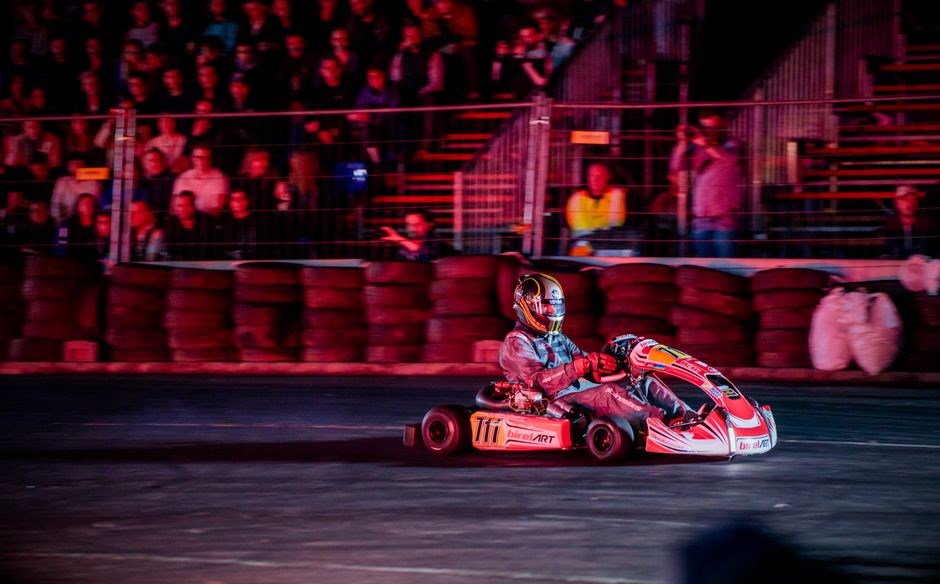
The controller offers digital proportional steering with 360° continuous control. The rear gas pedal accelerates, the front pedal brakes or reverses. Clockwise steering turns right; counter‑clockwise turns left. The 2.4 GHz receiver supports up to 16 cars on a single track, enabling multiplayer sessions. Keep the receiver’s antenna free from obstructions to maintain signal integrity. Enjoythe race!—fun
Cleaning and Maintenance
After each session, wipe the chassis with a damp cloth to remove dust. Use a cotton swab lightly dampened with isopropyl alcohol on battery terminals to prevent corrosion. Inspect the steering wheel for smooth rotation; if resistance appears, apply silicone lubricant to the pivot. Check wheel bearings for play; replace if wobble is detected. Keep the 2.4 GHz antenna clear of obstructions to maintain signal. Store the controller with the LED off in a dry place. Periodically test the gas and brake pedals; if the car only moves forward or backward, replace batteries. Clean the receiver’s antenna with a dry brush. Store the car in a temperature‑controlled environment to avoid battery degradation. Perform a quick spin test before each race to ensure all components function correctly. Follow safety guidelines and avoid operating near water or high‑humidity areas. Check for loose screws regularly!
Regularly inspect battery cover screws for tightness; loose screws can cause vibration. Clean the throttle sensor with a soft brush if acceleration is uneven. For long‑term storage, remove batteries and keep them in a cool, dry place. Replace batteries yearly to maintain performance. Keep the controller joystick dust‑free by wiping with a microfiber cloth. Log maintenance dates to track wear. Follow these steps to extend your RC Mario Kart’s life.
Battery Installation
Locate the battery cover underneath the racer as shown in the diagram. Use a Phillips head screwdriver to loosen the two screws and lift the cover. Insert six 1.5 V alkaline (LR14) batteries in the orientation indicated by the arrows. Ensure each battery is seated firmly to avoid vibration. Replace the cover and tighten the screws securely. Verify that the red LED on the controller illuminates when powered on, indicating proper battery contact; If the LED remains off, double‑check battery placement and re‑insert if necessary. For safety, avoid using rechargeable Ni‑MH or Li‑Po cells, as they may damage the circuitry. Keep spare batteries in a cool, dry place and replace them before the car’s performance drops. Always turn off the receiver before removing or inserting batteries to prevent short circuits. After installation, test the car on a flat surface; if it only moves forward or backward, fresh batteries may be needed. Store the car in a temperature‑controlled environment to prolong battery life. Follow these steps to ensure reliable operation and extend the lifespan of your RC Mario Kart. Always charge batteries fully before each session to avoid mid‑race power loss, keep a spare set swaps during long races.!!
Safety Precautions
Follow these guidelines to keep everyone safe while enjoying the Carrera RC Mario Kart:
- Do not allow children under 8 to operate the car or handle batteries.
- Read the instruction manual before use.
- Keep the car away from water, pets, and small objects that could be swallowed.
- Never run the car on wet, uneven, or slippery surfaces.
- Use a protective case for the batteries and keep them out of reach of children.
- When changing batteries, turn off the receiver and controller.
- Do not force cover; use!
- Check for loose screws or damaged parts before each session.
- Keep the controller within line of sight; avoid sudden stops that could cause injury.
- Do not allow the car to run in confined spaces where it could collide with walls.
- Never use car near outlets or wiring!
- Store accessories in dry when not in use now!
- Do not modify the circuitry or add aftermarket parts that could affect performance.
- In case of a malfunction, disconnect the power source.
- Keep the car away from children’s play areas to prevent damage.
- Always supervise the car’s operation, especially during multiplayer races.
- Use the 2.4 GHz channel responsibly; avoid interference with other devices.
- Do not attempt to repair or open the receiver without professional guidance.
- Keep the car’s wheels clean to avoid slipping on smooth surfaces.
- Report any defects to the manufacturer promptly.
Adhering to these precautions ensures a safe, enjoyable experience for all users.
Enjoy responsibly! Fun!
Controller Functions
Use the Carrera RC Mario Kart controller to command the car with precision. The controller features a digital proportional system that delivers 360° continuous driving and steering. When the controller is switched on, two red LED lamps at the front illuminate, indicating power. The controller’s layout is simple: a gas pedal on the right side and a steering wheel on the left.
- Gas Pedal – Rear Position: Pressing the pedal forward accelerates the car.
- Gas Pedal – Front Position: Pressing the pedal toward the front brakes or reverses the car.
- Steering Wheel – Clockwise: Turns the car to the right.
- Steering Wheel – Anti‑Clockwise: Turns the car to the left.
All commands are transmitted via 2.4 GHz radio, allowing up to 16 cars to race simultaneously on a single track. The controller’s ergonomic design ensures a comfortable grip, while the proportional input allows for smooth acceleration and precise cornering. For optimal performance, keep the controller’s battery charged and avoid abrupt movements that could cause jerky motion. The controller’s LED indicators also help you monitor power status during races. Enjoy the race with confidence and precision for all today!
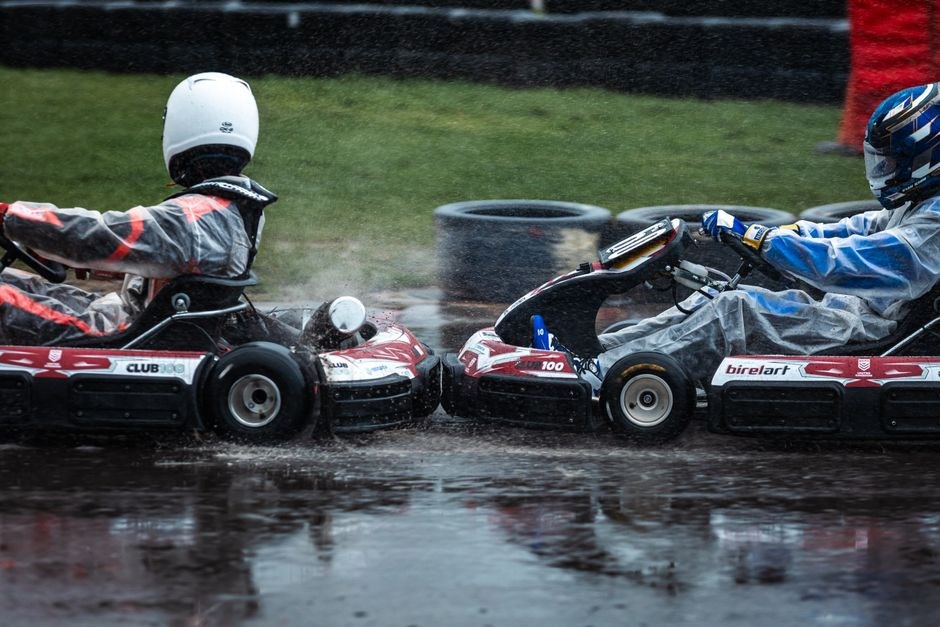
Thanks to 2.4 GHz technology, up to 16 Carrera RC cars can race together on one track. The wireless system offers a stable, interference‑free link that supports simultaneous control, enabling multiplayer sessions. Each car’s receiver is tuned to a unique channel within the 2.4 GHz band, preventing cross‑talk and ensuring every controller’s commands reach its intended vehicle. The range covers most indoor and outdoor tracks, giving racers freedom to set up circuits or simple loops. Because the protocol is low‑latency, drivers experience near‑real‑time responsiveness, for tight turns and sprints. The design incorporates channel scanning, so when a new car is added it can lock onto an available frequency without manual configuration. This plug‑and‑play capability makes it easy for beginners to join a race, while fine‑tune channel assignments for optimal performance. In practice, a setup involves placing the track in a central location, powering all receivers, and then connecting each controller to its car. Once powered, the system automatically synchronizes, and racers can start competing. Overall, this technology delivers a reliable, scalable racing experience that keeps the competition fair and exciting for all participants.!!!
Thanks to 2.4 GHz technology, up to 16 Carrera RC cars can race together on one track. The wireless system offers a stable, interference‑free link that supports simultaneous control, enabling multiplayer sessions. Each car’s receiver is tuned to a unique channel within the 2.4 GHz band, preventing cross‑talk and ensuring every controller’s commands reach its intended vehicle. The range covers most indoor and outdoor tracks, giving racers freedom to set up circuits or simple loops. Because the protocol is low‑latency, drivers experience near‑real‑time responsiveness, for tight turns and sprints. The design incorporates channel scanning, so when a new car is added it can lock onto an available frequency without manual configuration. This plug‑and‑play capability makes it easy for beginners to join a race, while fine‑tune channel assignments for optimal performance; In practice, a setup involves placing the track in a central location, powering all receivers, and then connecting each controller to its car. Once powered, the system automatically synchronizes, and racers can start competing. Overall, this technology delivers a reliable, scalable racing experience that keeps the competition fair and exciting for all participants.!!!
Battery Life and Replacement
Each Carrera RC Mario Kart model is powered by six 1.5 V C‑cell (LR14) alkaline batteries. The battery compartment is located beneath the racer, accessed by removing the battery cover with a Phillips‑head screwdriver. When the car stalls or only moves forward or backward, a quick battery check is recommended. To replace, first turn off the receiver, open the cover, remove the old cells, insert fresh ones in the orientation shown, and secure the cover. A fully charged set typically delivers 30–45 minutes of continuous racing at full throttle, depending on track difficulty and driving style. For extended sessions, keep spare batteries on hand and swap them during breaks. The 2.4 GHz link remains stable as long as the battery voltage stays above 9 V; once it dips below, the car’s speed will noticeably drop. It is advisable to use high‑quality alkaline cells to maintain consistent voltage. After each race, inspect the battery terminals for corrosion, clean with a cotton swab and a small amount of isopropyl alcohol, then re‑install. Proper battery maintenance extends the lifespan of both the cells and the car’s electronics, ensuring reliable performance for future races. Remember to store spare batteries in a cool, dry place to preserve their longevity. Keep them charged
Racing Tips and Troubleshooting
Use smooth steering for sharp turns, keep throttle moderate to avoid wheelies, and always check battery levels before racing. If the car stalls, replace batteries and clean contacts. For interference, change the 2.4 GHz channel. Race with joy! fastgo
Track Setup
Begin by selecting a flat surface—ideally a carpet or dedicated RC track—to minimize friction and avoid unexpected stops. Clear the area of debris, loose objects, and any conductive materials that could interfere with the 2.4 GHz signal. Position the track so that the receiver antenna on the car faces the center of the arena; this reduces signal loss and improves responsiveness. Before launching the car, calibrate the controller: power on the receiver, then press the “calibrate” button on the controller. The red LED will flash until the calibration completes, indicating that the steering wheel and throttle are synced. For multi‑car races, set each car to a unique channel by cycling the channel selector on the controller; this prevents cross‑talk and ensures that each vehicle responds only to its own commands. If you encounter latency, move the receiver to a higher position or use a signal booster. Finally, test a short run to confirm that the car accelerates, brakes, and steers as expected. Adjust the throttle sensitivity in the controller’s settings if the car feels too twitchy or sluggish. With a properly set track, you’ll enjoy racing that mirrors the excitement of the Mario Kart series. Remember to keep the track free of obstructions during races to maintain performance!!
Multiplayer Racing Strategies
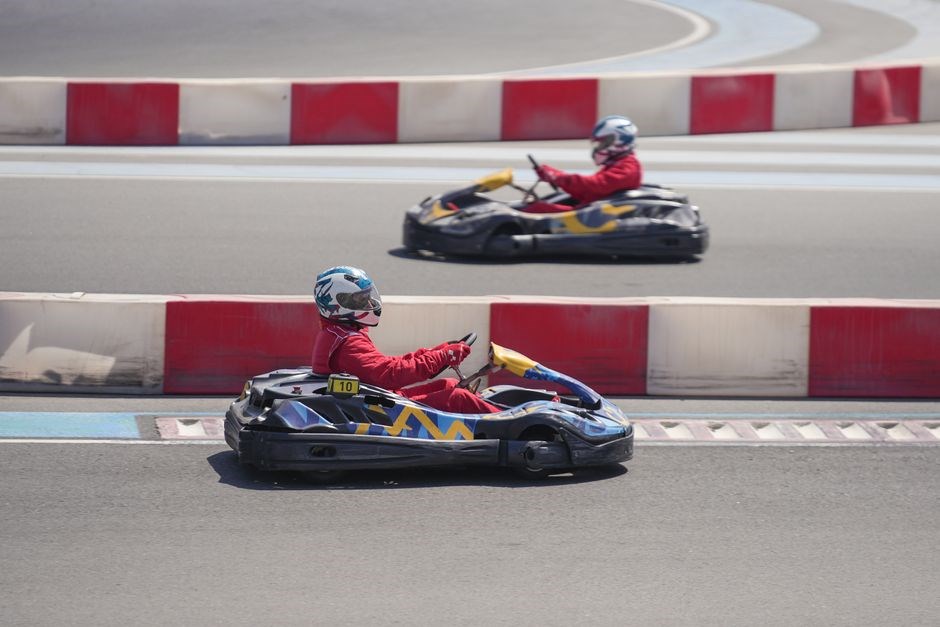
When racing with several Carrera RC Mario Kart cars, coordination and timing become essential. First, choose a distinct channel for each vehicle to avoid signal interference; the 2.4 GHz system supports up to 16 cars simultaneously, but overlapping channels can cause lag. Use the controller’s digital proportional steering to maintain a steady line through turns—steer slightly ahead of the corner to reduce braking time. Drafting behind a rival reduces air resistance; keep a safe distance (about one wheel width) to avoid collisions while gaining speed. Blocking is effective on straightaways: position your car just ahead of an opponent’s wheel to force them to brake. When a race starts, accelerate smoothly; a sudden surge can unsettle the car’s balance. If you notice the car stalling, fresh batteries or a quick recharge can restore power. For longer races, plan pit‑stop intervals: pause, replace batteries, and re‑calibrate the controller if needed. Communicate with teammates via a quick hand signal or a pre‑race plan to avoid on‑track collisions. Finally, practice on a variety of track layouts to master both high‑speed straights and technical turns. With these tactics, you’ll outmaneuver rivals and claim victory in every multiplayer session!! Remember to keep the track clear and avoid sudden stops for safety.!!
Common Issues and Fixes
Car only moves forward and backward without turning: Check battery orientation, replace with fresh 6 × 1.5 V alkaline cells. 2. Controller fails to power on: Ensure the power switch is in the ON position and the red LED lights up. If not, replace the controller battery or reset the receiver. 3. 2.4 GHz interference causing lag or loss of control: Re‑select a clear channel on the transmitter, keep cars spaced apart, and avoid metal objects that can block the signal. 4. Steering wheel feels sluggish: Clean the steering mechanism with a soft brush and apply a small amount of Silicone lubricant. 5. Car stalls mid‑race: Inspect the battery cover for a tight seal; loose screws can cause power loss. 6. Excessive heat during operation: Allow the car to cool for a few minutes, then resume racing. 7. Inconsistent speed: Verify that the throttle is fully engaged; adjust the throttle sensitivity in the transmitter settings. 8. Wheelies on rough surfaces: Reduce throttle input and use a smoother track surface. 9. Remote control range is limited: Ensure receiver is not obstructed and antenna is extended. 10. Safety: Do not operate under 8 years of age; read instructions before use . Following these steps keeps your Carrera RC Mario Kart running smoothly.
FAQ
- What battery type does the Carrera RC Mario Kart use?
- How many cars can run simultaneously?
- Is the controller compatible with other RC models?
- How do I reset the receiver?
- What safety precautions should I follow?
- Where can I find replacement parts?
- Can I use the car on uneven surfaces?
- What is the maximum speed achievable?
- How do I change the channel to avoid interference?
- Is the car waterproof?
- Can I upgrade the battery capacity?
- Where can I find official repair guides?
Answers: The car uses six 1.5 V alkaline (LR14) cells. The 2.4 GHz system supports up to 16 cars on one track. The controller is model‑specific, but can pair with any 2.4 GHz receiver. To reset, turn off the receiver, wait 10 s, then power on. Always read the manual, keep the battery cover sealed, and avoid operating under 8 years of age. Replacement parts are available through the official Carrera website or authorized RC retailers.
The Carrera RC Mario Kart can be upgraded with a higher‑capacity battery pack, wheelset reinforced chassis for better traction. Official repair guides are available on the Carrera website, offering detailed disassembly steps and torque specs. If connectivity problems arise, reset the receiver by unplugging it for 30 seconds before reconnecting. Ensure the battery cover is tightly fastened to prevent accidental discharge. The 2.4 GHz system works with most routers, letting you set a private channel for racing sessions. Keep mechanical parts clean to preserve performance over time.
Upgrades boost speed, agility.